

Actions
AI Reports → Actions lists the changes to make in the documentation, agreed with WriteChoice. Most come from the recommendations and gaps of an AI report; WriteChoice can also add one directly.
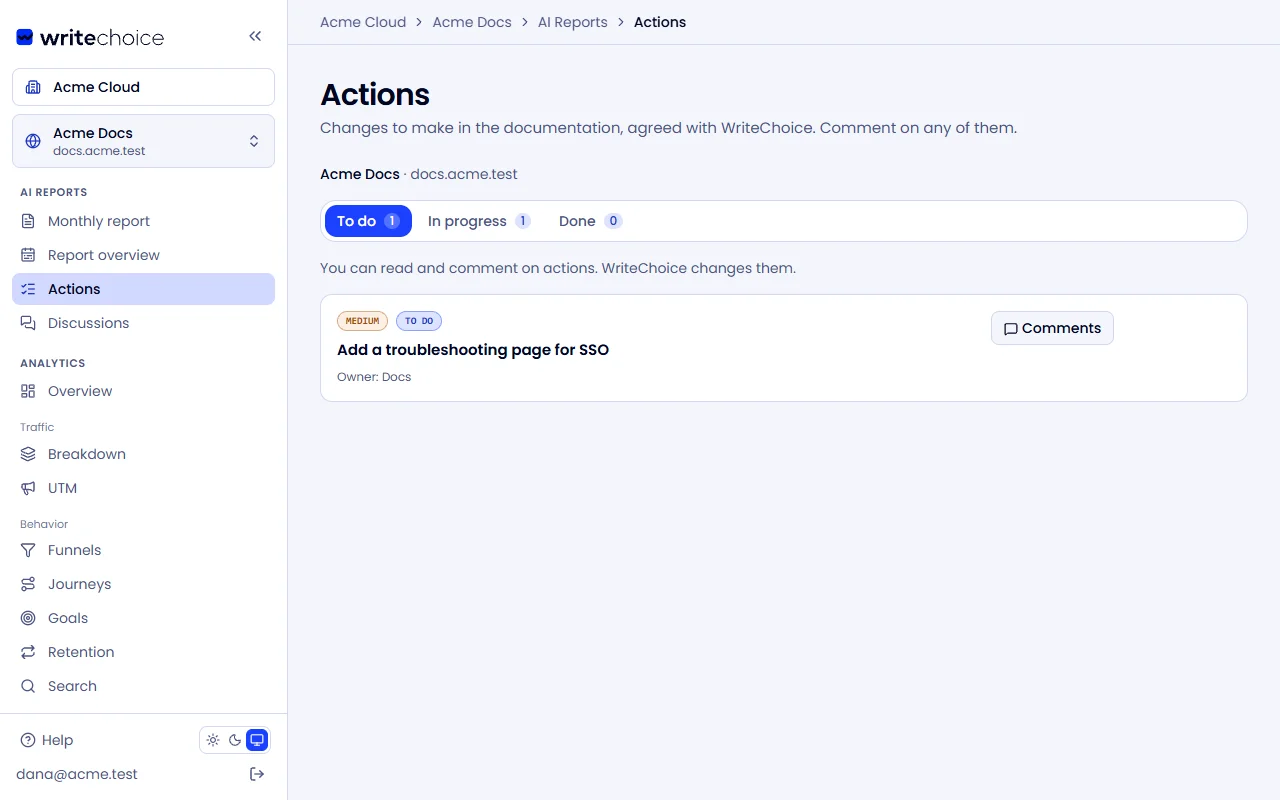
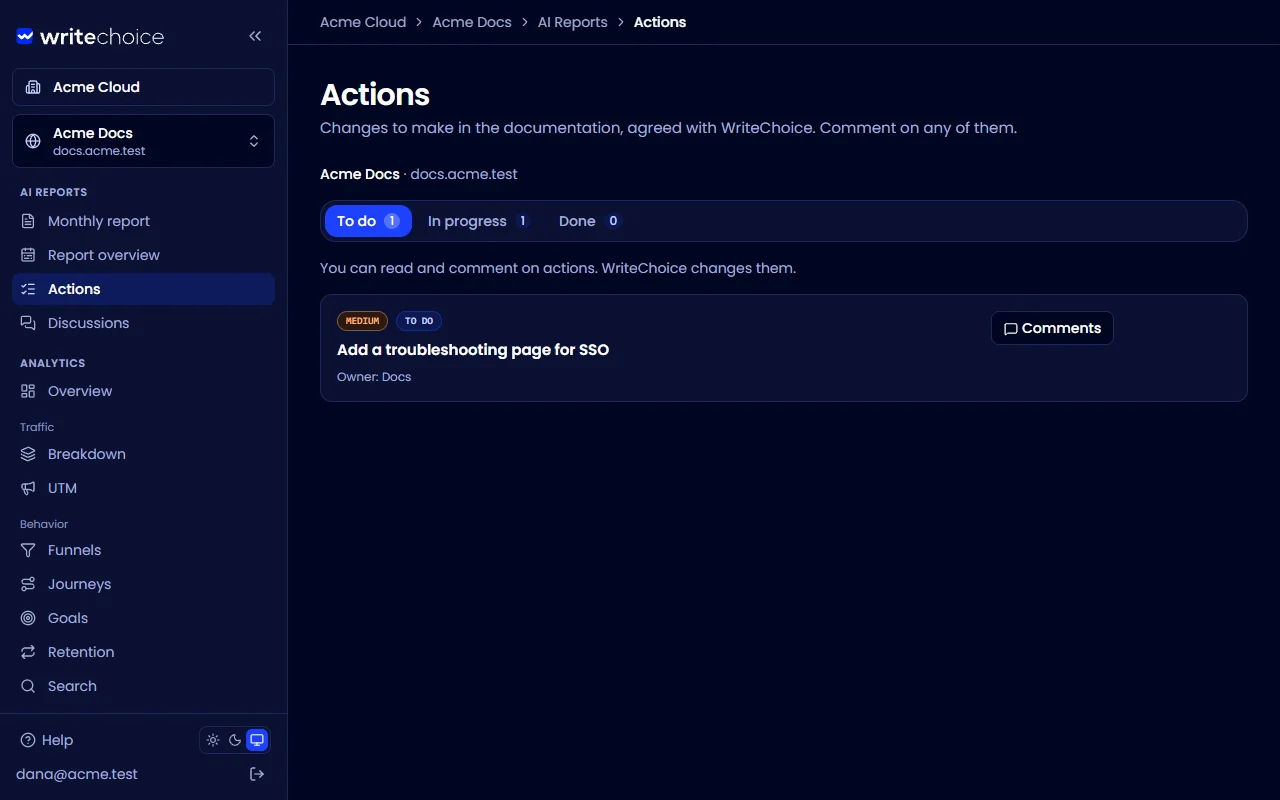
The tabs
| Tab | What’s in it |
|---|---|
| To do | Agreed, not started |
| In progress | Being worked on |
| Done | Finished, with the day it was done |
Each card shows the priority (high, medium or low), the title, what should change, the Owner, the Target date and, when it came from a report, a link to that report.
Comment on an action
Choose Comments on a card to read the discussion and add to it. Comments use Markdown (bold, lists, links). You can delete your own comments.
WriteChoice moves the actions between the tabs. If something should change in an action, say so in its comments.
Public › AI Reports