

Install the snippet
The analytics come from one script tag on every page of your site. You add it once; the numbers start to appear in the portal within a minute of the first visit.
Get your code
Open Settings → Install in the sidebar (or Install at the top of any Analytics tab). The code for your site is there, with your site key already filled in, for each platform.
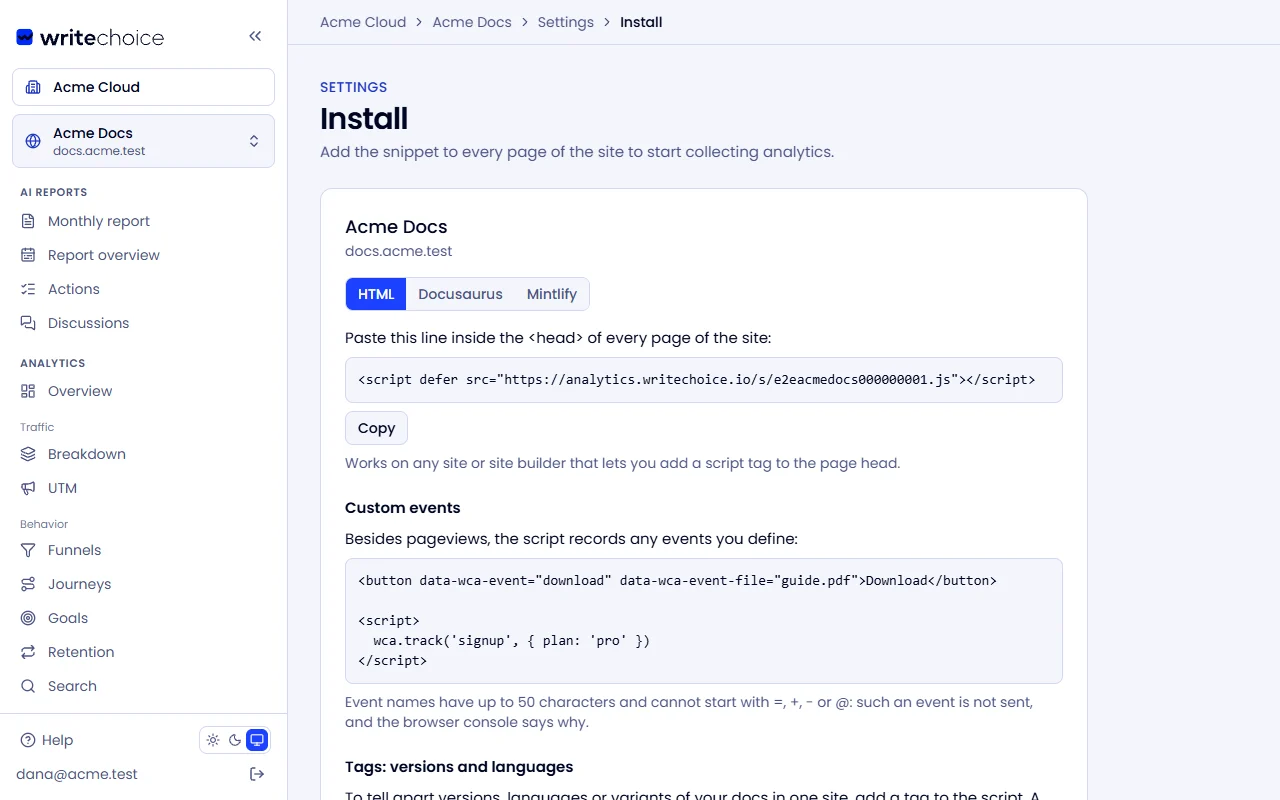
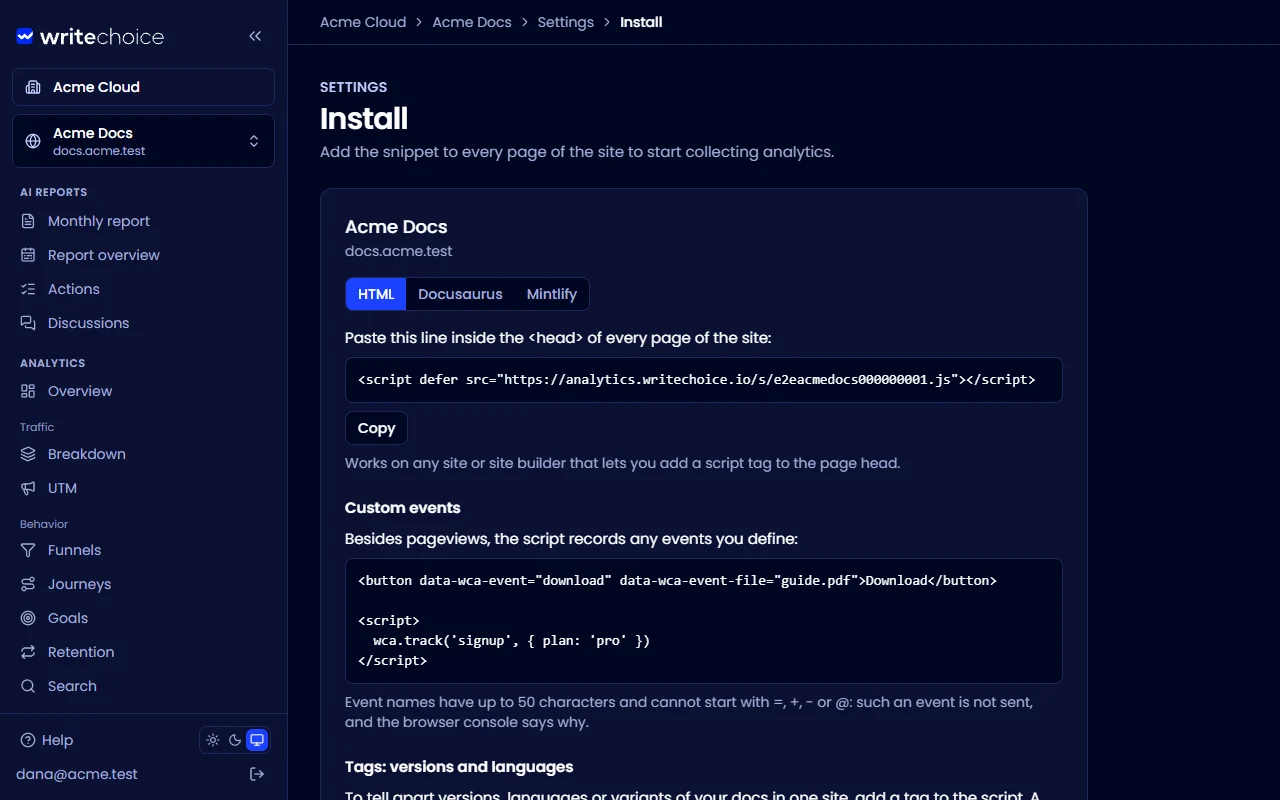
Then follow the guide for your platform:
Plain HTML
<head>.Docusaurus
scripts list of docusaurus.config.js.Mintlify
.js file in the docs folder.WriteDocs
scripts field of writedocs.json.What the script does
- Records a pageview when a page loads and on every in-app navigation, so single-page sites and docs platforms are counted correctly.
- Records the searches typed in WriteDocs, DocSearch and Mintlify search boxes, and custom events you define. See Events, tags and search.
- Measures page speed (Core Web Vitals) on a sample of page loads, and records clicks and scrolling for the heatmaps on a sample too.
- Uses no cookies and stores nothing that identifies a visitor. The visitor’s IP address is used only to work out the country and is never stored. Visits are counted in 30-minute windows with a token kept in the page’s memory only.
- Respects the reader’s choice: nothing is measured in a browser with Global Privacy Control, after a reader opts out, or, if you ask for it, before your consent banner says yes. See Consent and opt-out.
- Never breaks your page: if the script cannot load or the service is unreachable, nothing happens.
It loads with defer and doesn’t block rendering.
Session replay and error tracking are off by default. Recording and tracking, at the bottom of the Install page, shows what’s on for your site.
Check that it works
Open your published site
In a browser, open a page of your site where you added the script (the published site, not a local copy).
Watch the network
Open the developer tools (F12), select the Network tab and reload the page. You should see two requests to analytics.writechoice.io: /s/<your site key>.js with status 200 (the script) and /e with status 200 (the pageview).
See it in the portal
Within about a minute, the visit appears in Analytics → Overview.
If the /e request is missing, see Troubleshooting.