

Heatmaps
Analytics → Heatmaps draws the clicks and the scroll depth of a page over a live preview of that page.
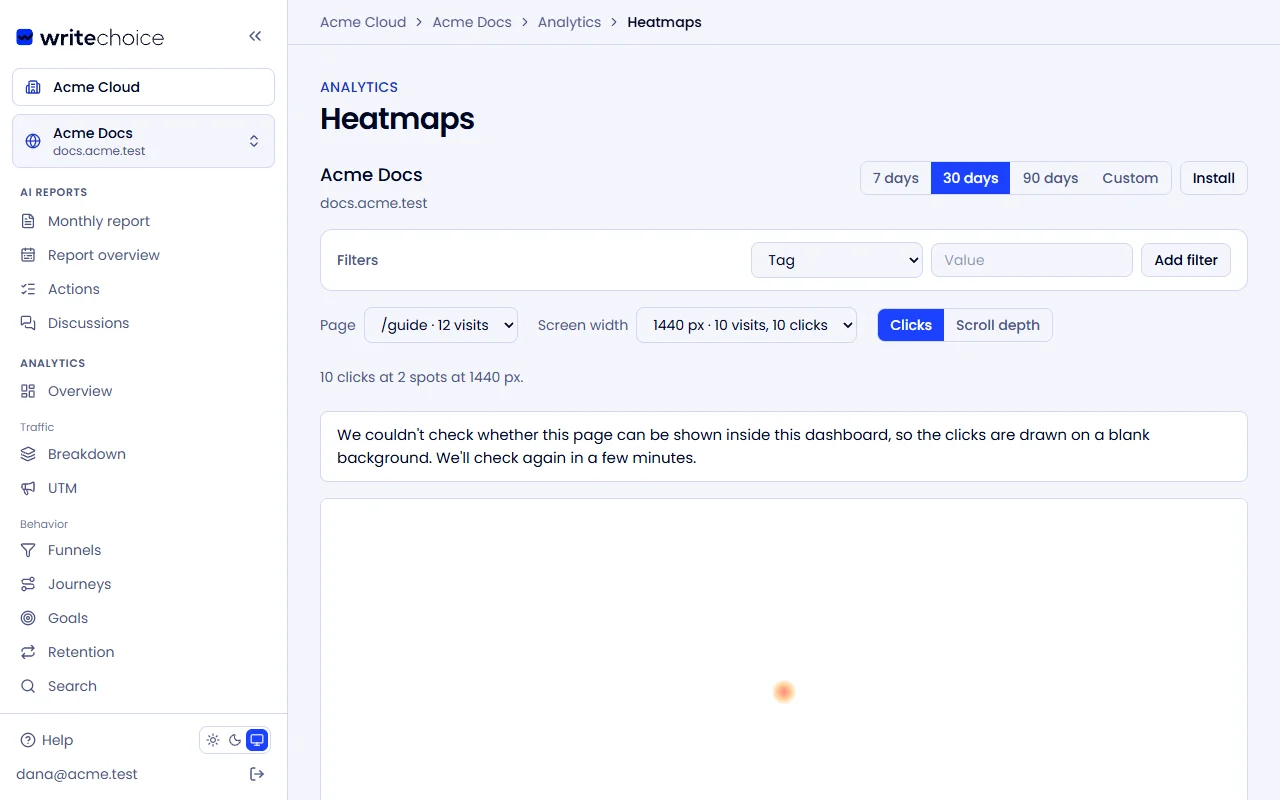
- Pick the Page (the one with the most visits comes first).
- Pick the Screen width: visits are grouped by the width of the reader’s screen (320 to 2560 px), and widths with no data can’t be selected.
- Switch between Clicks and Scroll depth. In scroll depth, each band shows the share of visits that scrolled to its bottom edge; View as table shows the same as a table.
The preview
The page behind the clicks is your live page, loaded from the site’s domain. Looking at it doesn’t count as a visit, and clicks on it don’t reach your site.
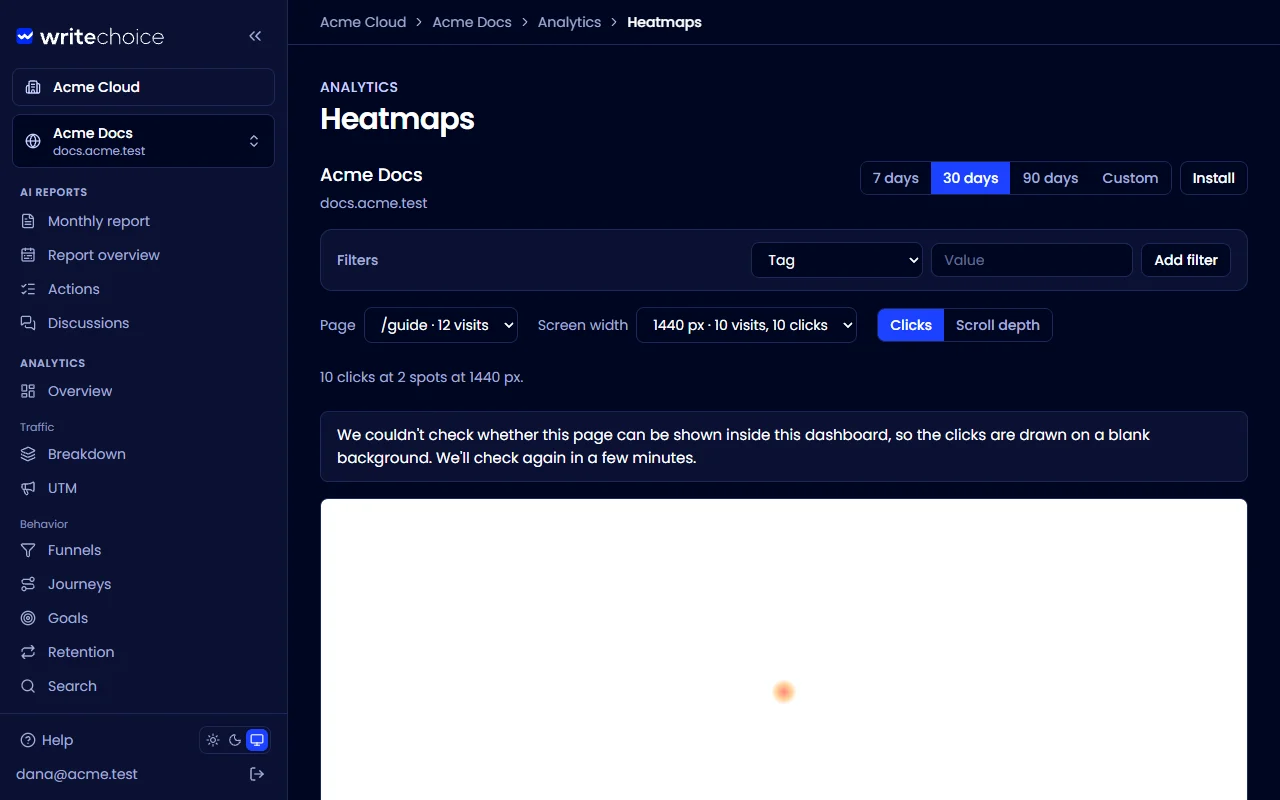
When your site doesn’t allow being shown inside another site, the clicks are drawn on a blank background, with a notice that says why and what to change. See Heatmap preview. Pages that need signing in are never previewed.
Good to know
- Heatmaps are on by default for new sites. They record a sample of page loads, set by WriteChoice (or by your docs platform, for the sites it creates).
- Heatmap data is kept for 90 days, and the period can be up to 90 days.
- If heatmaps are off for your site, the tab isn’t shown.
Public › Analytics