

Discussions
AI Reports → Discussions gathers every comment thread of the site: on an AI report as a whole, on one of its gaps or recommendations, and on an action. The thread with the most recent activity comes first.
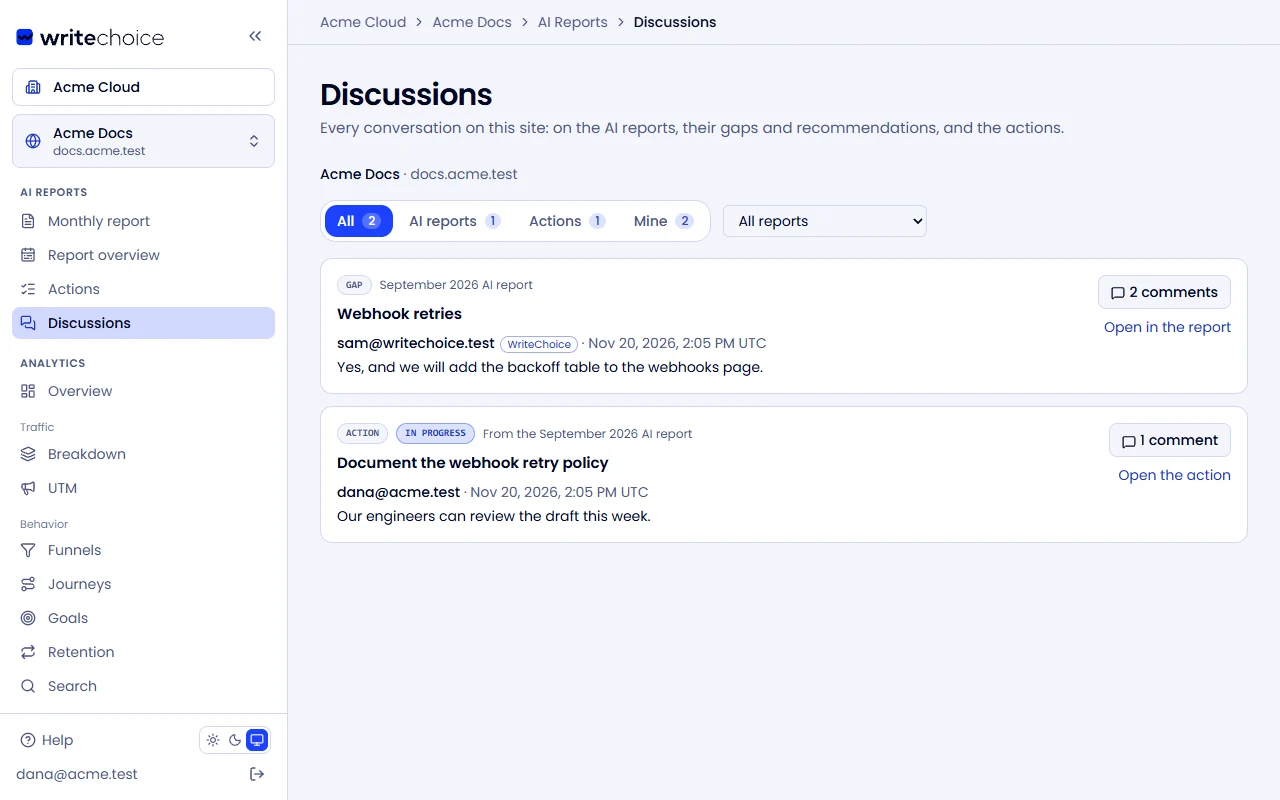
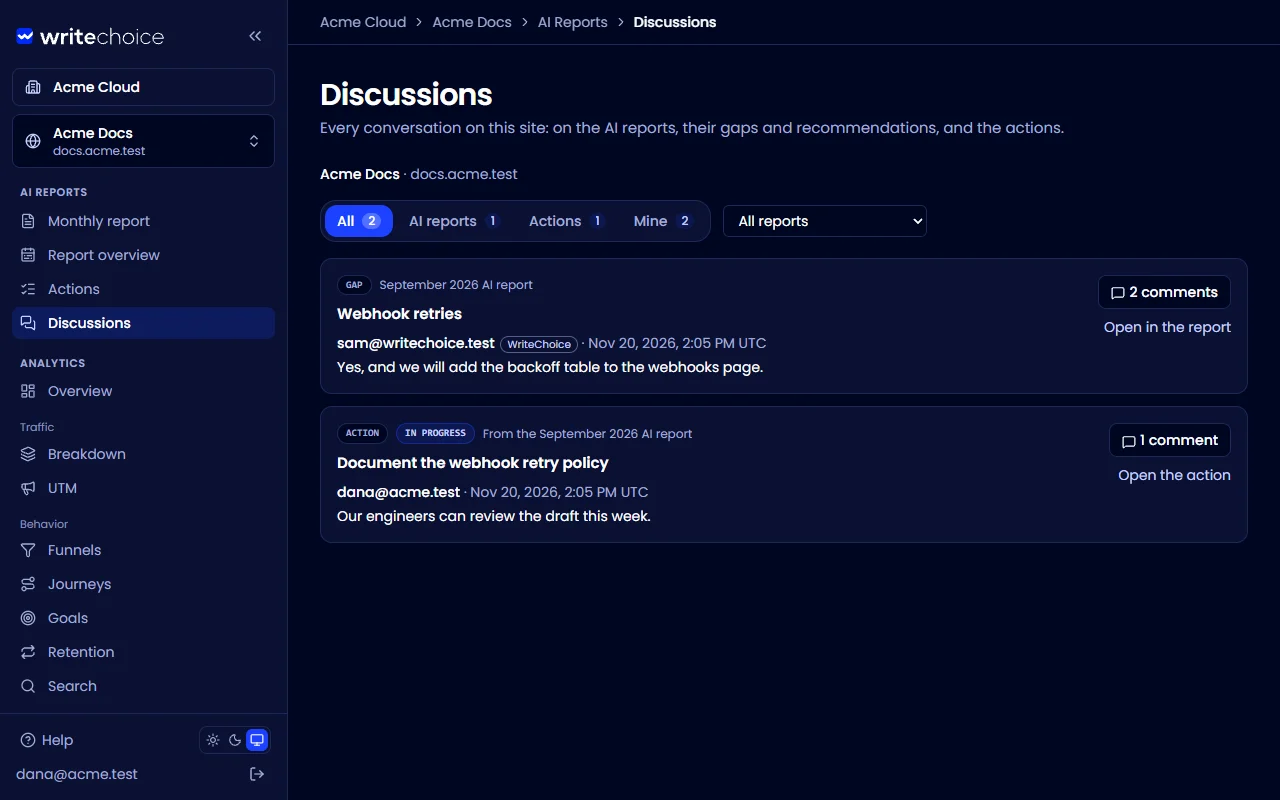
- Filter with the tabs: All, AI reports, Actions, and Mine (the threads you commented on). The AI report list keeps the threads of one report, including the actions that came from it.
- Each row says where the thread is (a Gap, a Recommendation, the whole Report, or an Action with its status), who wrote last, when (in UTC) and the start of the comment.
- N comments opens the thread right there, to read and reply.
- Open in the report (or Open the action) takes you to the item, with its thread open.
Writing comments
- Comments use Markdown: bold, italics, lists, code and links. HTML is not shown, and images don’t load (they show as a link).
- Everyone with access to the client reads the comments. Don’t paste passwords, keys or personal data.
- You can delete your own comments. WriteChoice can remove any comment.
- Nobody is emailed about new comments: check Discussions for replies.
Public › AI Reports