

Conversations, searches and pages
Conversations
The Conversations tab lists what readers asked the assistant during the report’s period, grouped by conversation when the platform groups them.
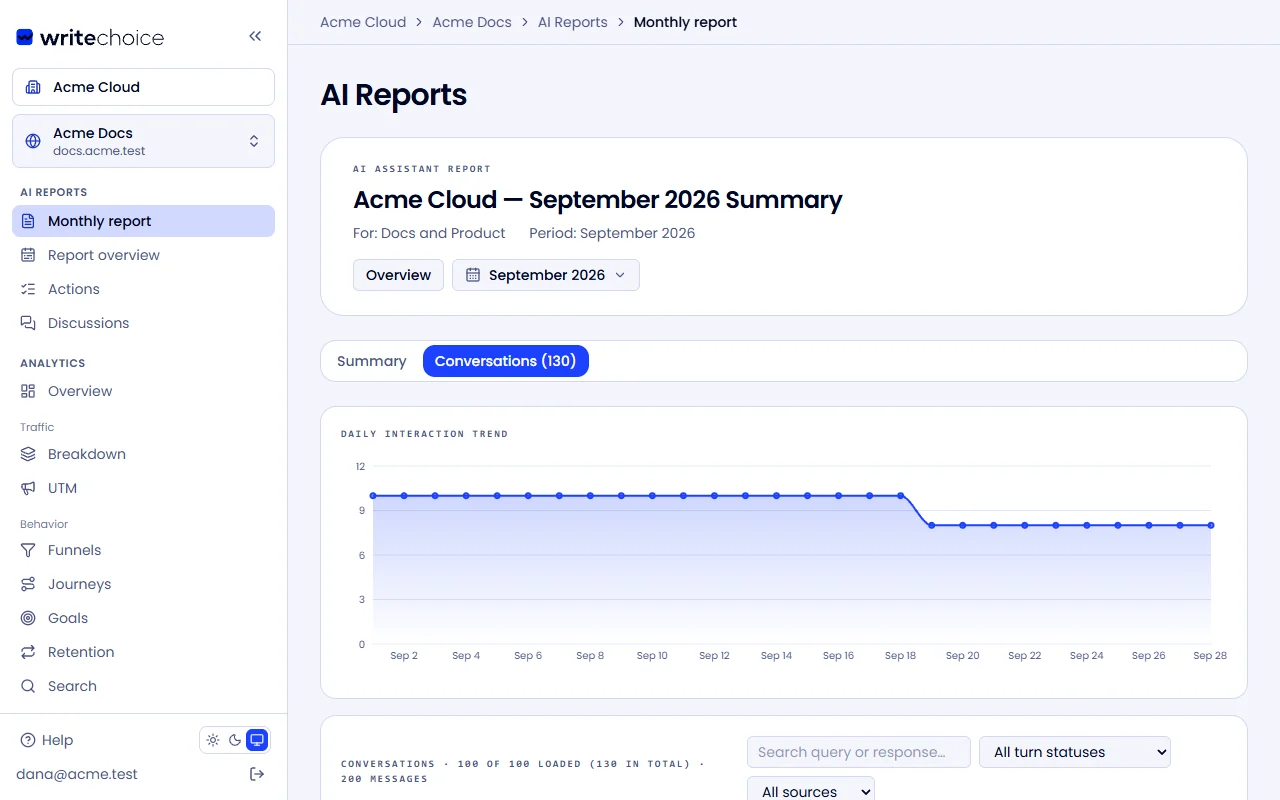
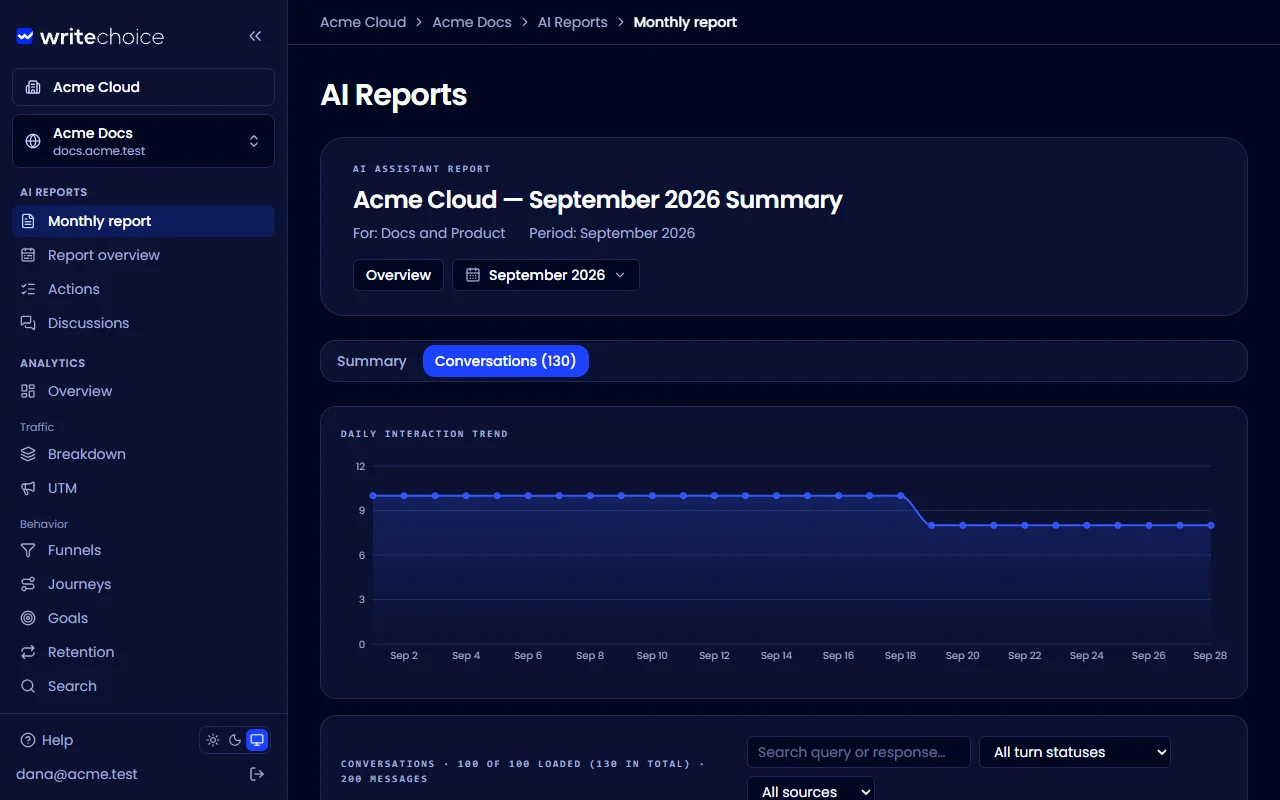
- Search with the box at the top (Search query or response…).
- Filter by outcome (resolved, partly resolved, unresolved, no real question), by status, by query type and by sources (No sources, Has sources).
- Open a conversation to read it turn by turn: the question, the assistant’s answer, the pages it suggested and the sources it cited. The top of the drawer says what the reader was after (Goal) and What happened.
- Large reports load in parts. The first part comes with the report; Load more brings the next one and Load all the rest. The search and the filters cover the conversations loaded so far.
When you follow a link from the summary (for example See details on a gap), the list opens already filtered; the chip at the top shows the filter, and its × clears it.
Conversations are what your readers typed. API keys and tokens that readers pasted into a conversation are replaced by [token] when the report is saved. Conversations are deleted 13 months after the end of the report’s period.
Search analytics
What readers searched for in the docs’ own search, when the platform reports it: each query with its Hits, its click-through rate (CTR) and the page clicked most. Zero-CTR only keeps the searches where nobody opened a result, often the best hint of what’s missing.
Page traffic
The most viewed pages of the docs, by people (Human) and by AI tools (AI), when the platform reports it. The AI-coverage gaps filter shows pages people read that AI tools never cited.