

Analytics overview
Analytics → Overview sums up a site’s traffic for the period chosen at the top of the page (30 days by default). The numbers come from the WriteChoice snippet on your site; see Install the snippet if the site doesn’t collect yet.
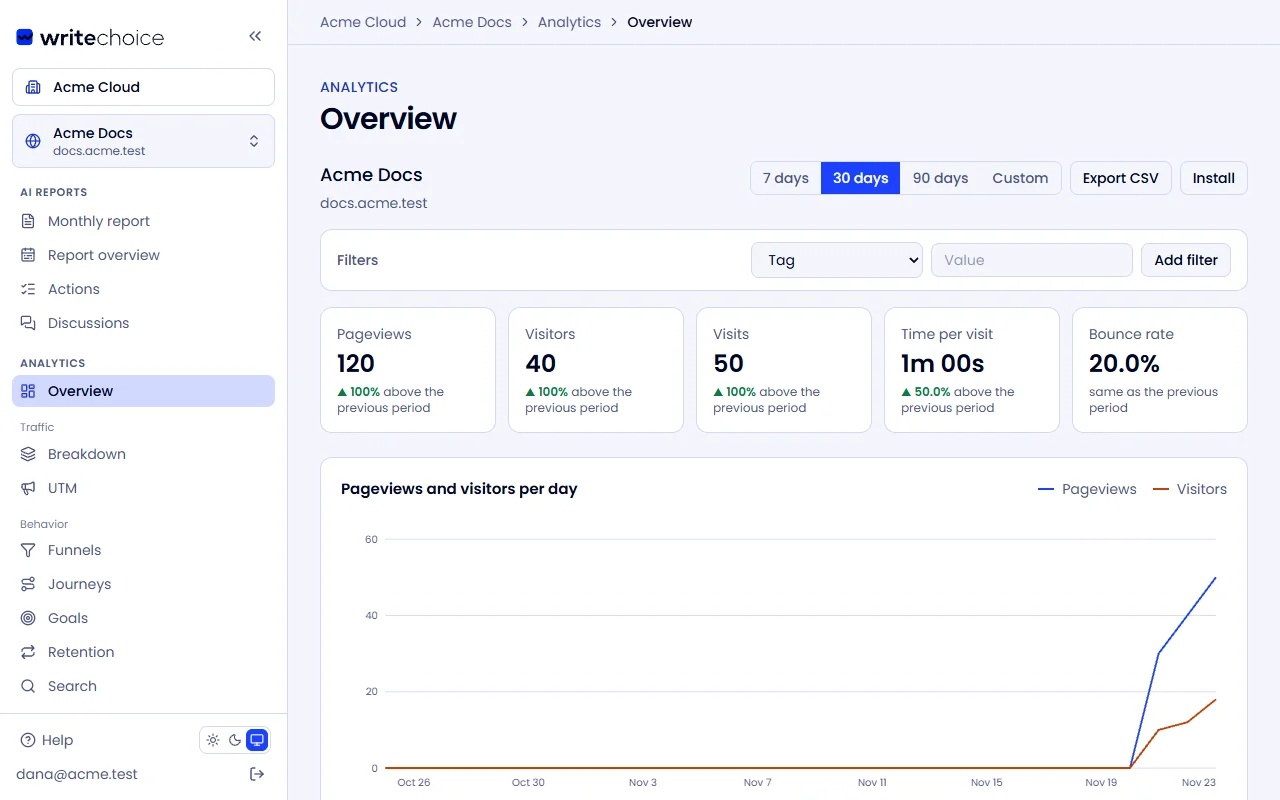
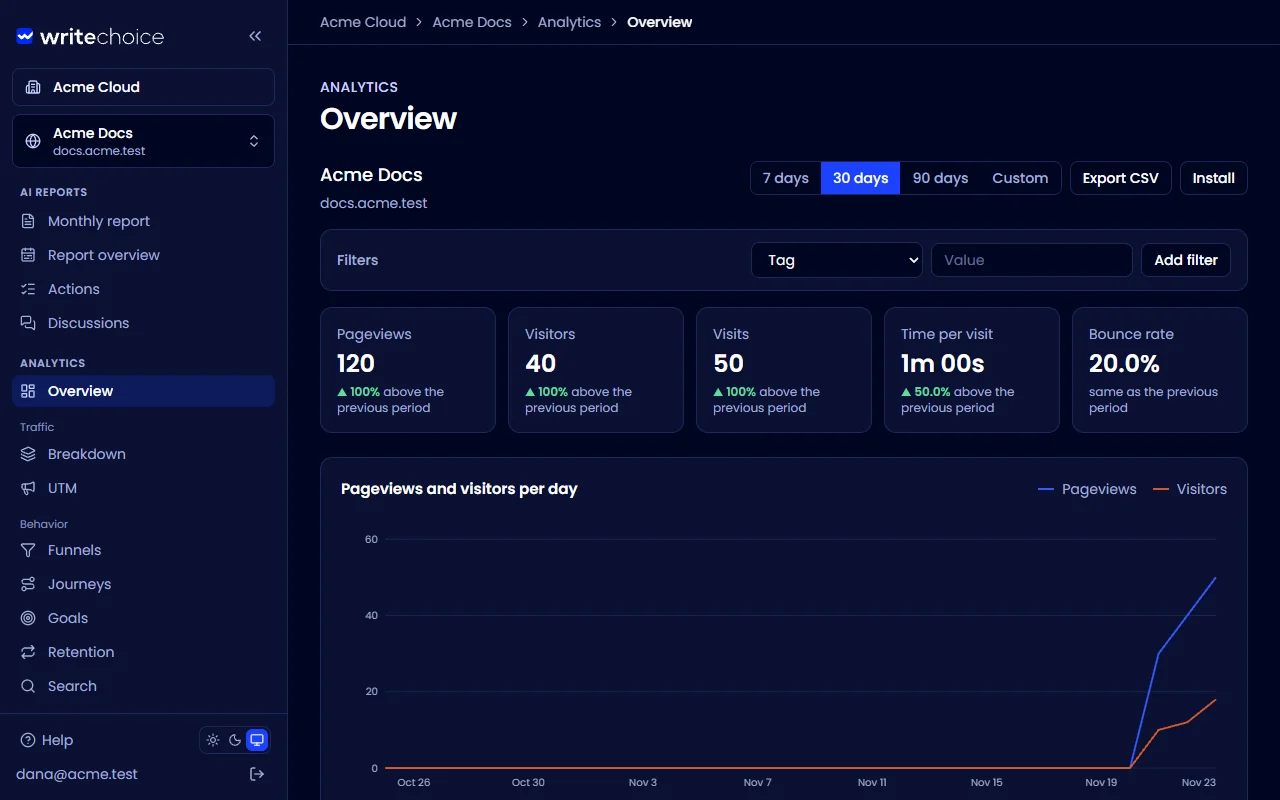
The totals
Pageviews, Visitors, Visits, Time per visit and Bounce rate, each compared with the previous period of the same length (for the bounce rate, going down is the good direction).
- A visit is a series of pageviews with no more than 30 minutes between them.
- A visitor is counted without cookies: the same person on two devices counts twice.
- Numbers can take up to a minute to show new visits.
The chart
Pageviews and visitors per day. Point at a day (or move with the arrow keys) to see its numbers. View as table shows the same data as a table.
Annotations
Annotations are dated notes on the chart, such as a release or a change in the docs. A marker on the chart shows the days with annotations.
- To add one, fill in Day, optionally a Time (leave it empty for the whole day), and the Note, then choose Add annotation.
- Everyone with access to the site sees all annotations. You can Edit and Delete the ones you added.
The rankings
The top Pages, Referrers, Countries, Devices, Browsers, Events (your custom events; see Custom events) and Tags of the period.
Export
Export CSV downloads the day-by-day pageviews and visitors of the period.
What’s on for your site
Some tabs depend on what WriteChoice turned on for your site:
| Tab | Shown when |
|---|---|
| Heatmaps | Heatmaps are on (they are on by default) |
| Replays | Session replay is on |
| Errors | Error tracking is on |
| Performance | Performance is measured on part of the page loads (on by default) |
A tab that is off doesn’t appear in the sidebar. Settings → Install shows what’s on for the site, under Recording and tracking. To change it, contact WriteChoice: session replay and error tracking are turned on once your data processing agreement covers them.
A disabled site
A site that WriteChoice disabled no longer collects data; the Analytics says so at the top, and its history is still available.