

Sign in
The portal has no passwords. You sign in with a six-digit code that is sent to your email address.
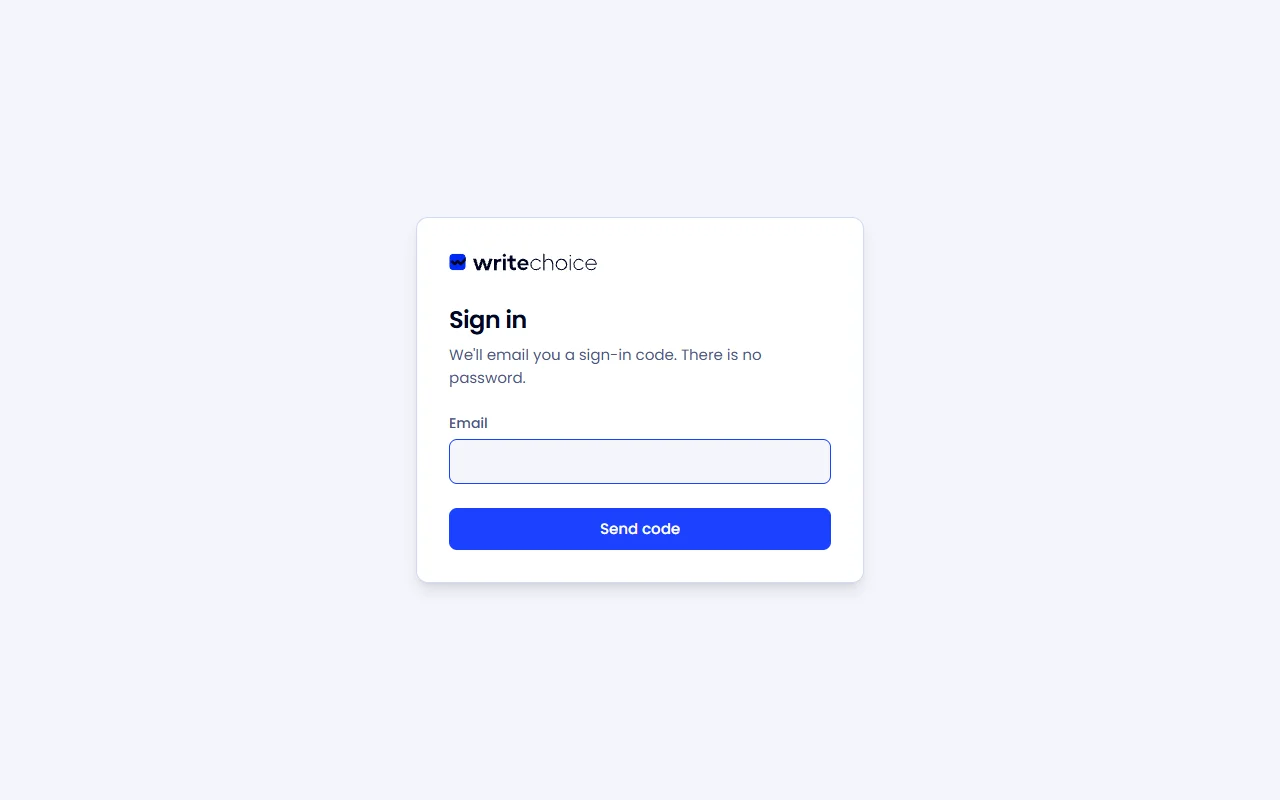
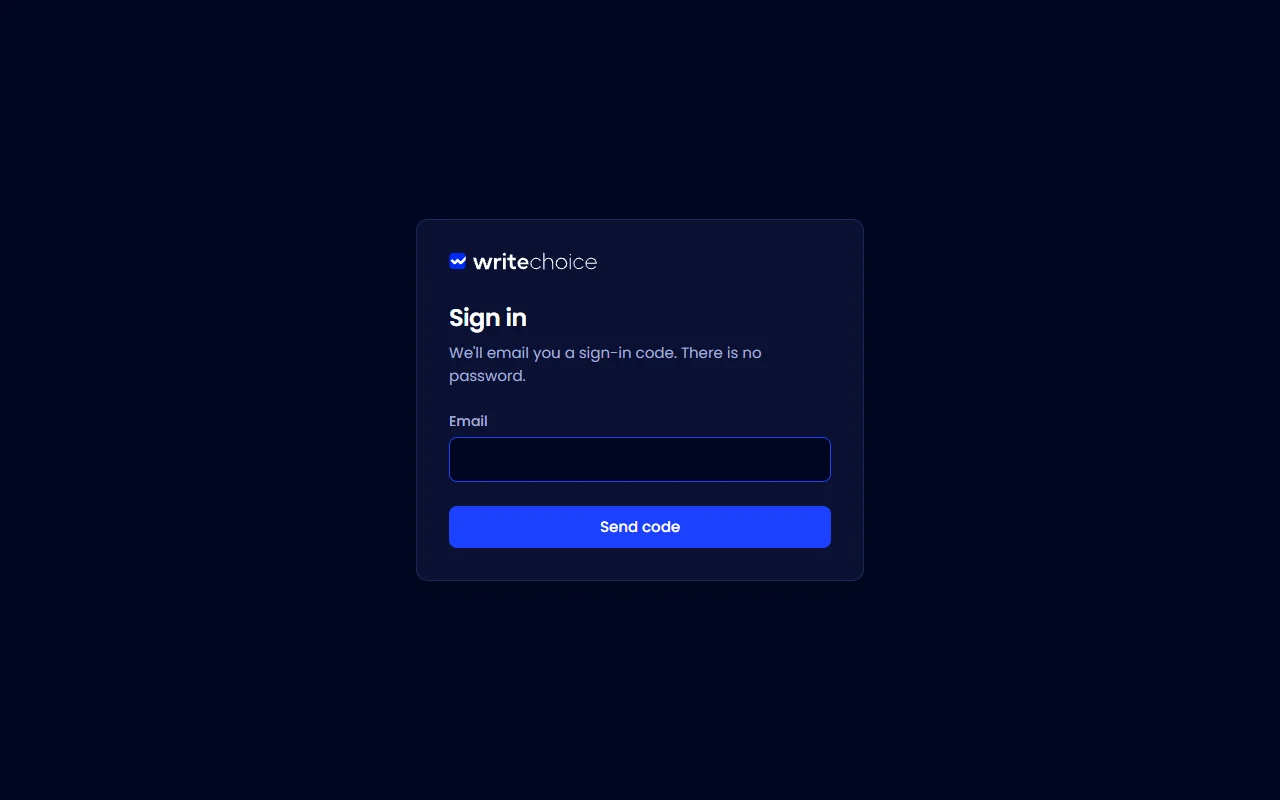
Enter your email
Open the portal, type your work email under Email and choose Send code.
Enter the code
If your email has access, a six-digit code arrives shortly. Type it under Code and choose Sign in. The code is valid for 10 minutes.
Good to know
- No code? The portal answers the same way for every address, so it never tells anyone whether an email has access. If your code doesn’t arrive in a few minutes, check your spam folder, then ask WriteChoice to confirm that your email was added to your client.
- Typo in the address? Choose Use a different email and start again.
- Only the newest code works. If you asked for more than one, use the last one you received. Each code allows a few attempts; after that, request a new one.
- “Too many attempts” means the portal is slowing down sign-ins from your network. Wait a minute and try again.
- “Invalid or expired code”: the code was mistyped, already used, older than 10 minutes, or not the newest one. Request a new one.
If you see “No access”
No access means you signed in, but your email is not linked to any client right now. Contact WriteChoice to get access.
Sign out
Choose the sign-out button at the bottom of the sidebar, next to your email.
Public › Getting started